My Top VS Code Extensions for front end Developers
Live Server
Make changes in code editor, switch to browser, and refresh to see changes. That's the endless cycle of a developer, but what if your browser would automatically refresh anytime you make changes?
That's where Live Server comes in! It also runs your app on a localhost server. There are some things you can only test when running your app from a server, so this is a nice benefit.
Bracket Pair Colorizor
Brackets are the bane of a developer's existence. With tons of nested code, it gets almost impossible to determine which brackets match up with each other. Bracket Pair Colorizer (as you might expect) colors matching brackets to make your code much more readable. Trust me, you want this!
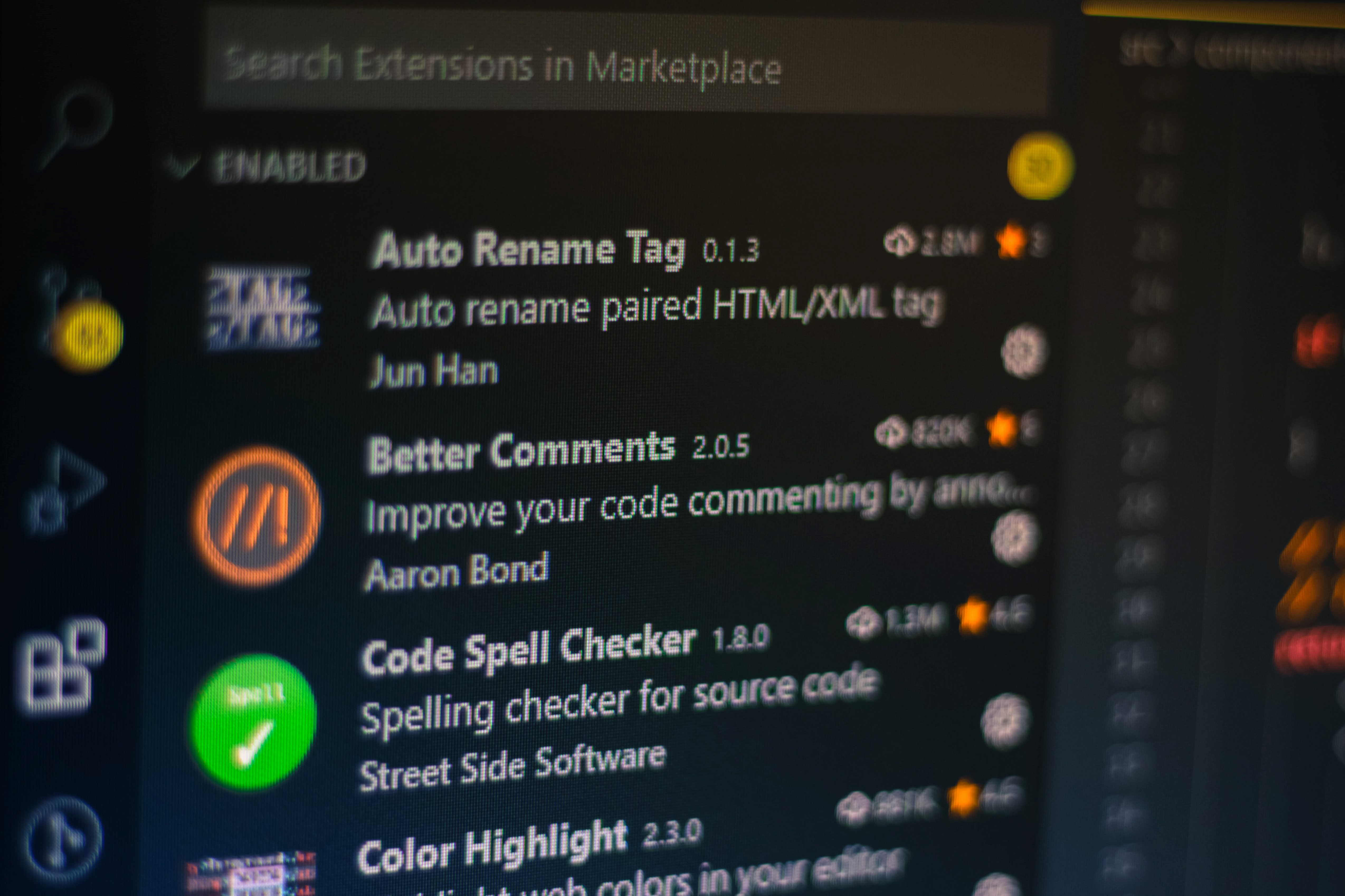
Auto Rename Tag
Need to rename an element in HTML? Well, with Auto Rename Tag, you just need to rename either the opening or closing tag, and the other will be renamed automatically. Simple, but effective!
Material Icon Theme
Fan of Google's Material design? Then, check out this Material themed icon pack. There's hundreds of different icons and they are pretty awesome looking!
Prettier
DONT spend time formatting your code...just DONT. There's no need to. Ealier, I mentioned ESLint which provides formatting and linting. If you don't need the linting part, then go with Prettier. It's super easy to setup and can be configured to formatted your code automatically on save. Never worry about formatting again!
Highlight Matching Tag
It’s a brief enhancement of the functionality that already comes with VS Code, that is the ability to highlight matching opening or closing tags in HTML and JSX. However, this extension is a bit sleeker and is more configurable than the one that comes out of the box with VS Code.
It’s very minimalistic but definitely worth mentioning.